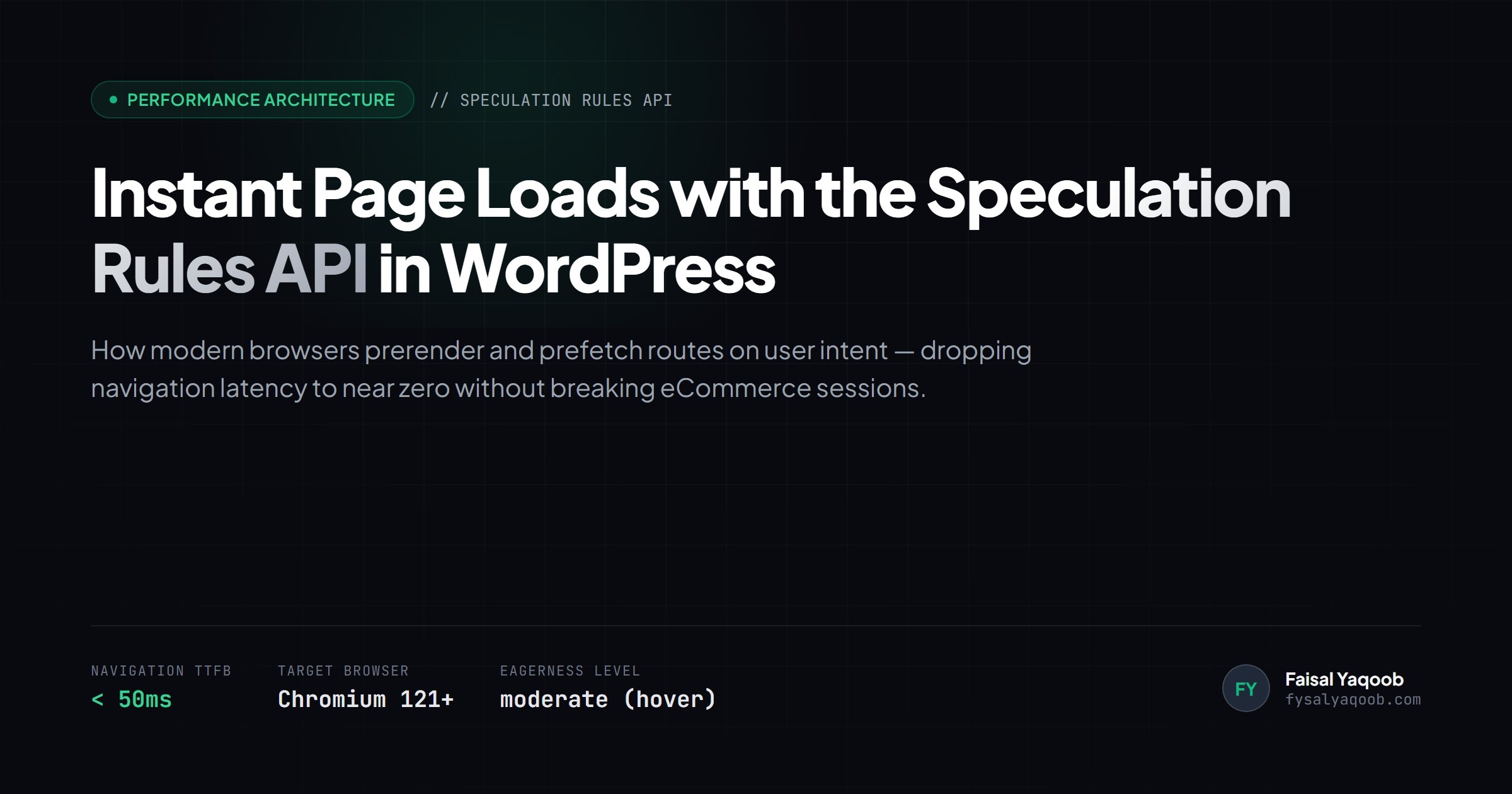
The Speculation Rules API has replaced legacy link prefetching as the web standard for instantaneous page transitions in modern browsers. Instead of downloading static files individually, modern Chromium-based browsers read a lightweight JSON manifest injected into the HTML document head, preloading or silently prerendering destination pages in the background before a user finishes clicking.
When configured correctly on WordPress, multi-page site navigation drops Largest Contentful Paint (LCP) and Interaction to Next Paint (INP) to near zero, giving standard themes and server-rendered templates the instant fluidity of a client-side Single Page Application (SPA).
Quick Answer: What is the Speculation Rules API in WordPress?
The Speculation Rules API in WordPress is a browser-native performance mechanism that instructs modern browsers to prefetch assets or fully prerender internal URLs in a hidden background tab prior to navigation. In WordPress core (via native speculative loading) or performance plugins like Perfmatters, rules trigger on hover or touch down, eliminating Time to First Byte (TTFB) and rendering pages instantly upon click without breaking server resources or session cookies when proper exclusion patterns are enforced.
How Speculative Loading Differs From Legacy Prefetching
Traditional <link rel="prefetch"> and <link rel="prerender"> tags suffered from serious limitations: they were inflexible, difficult to tune dynamically, and consumed bandwidth unconditionally. The Speculation Rules API changes this by defining rule sets using structured JSON.
| Feature | Legacy <link rel="prefetch"> |
Speculation Rules API (Prefetch) | Speculation Rules API (Prerender) |
|---|---|---|---|
| What It Fetches | HTML document only | HTML, CSS, JS, and font dependencies | Full background DOM render + scripts |
| Delivery Speed | 300ms – 600ms | 150ms – 300ms | < 50ms (Near instantaneous) |
| Trigger Mechanism | Global on DOM load | Pointer hover, mousedown, or viewport | Hover or mousedown intent |
| Browser Execution | Cache storage only | Cache storage + header execution | Full headless background session |
| Resource Footprint | Low | Low to Moderate | Moderate (Requires explicit exclusions) |
The Two Speculation Modes: Prefetch vs. Prerender
Understanding the boundary between prefetching and prerendering is essential before enabling speculation rules on production WordPress environments:
- Prefetch Mode (
"action": "prefetch"): Downloads the target URL's HTML response and essential assets directly into the browser HTTP cache. When the visitor clicks the link, the browser reads straight from local cache, cutting TTFB to single-digit milliseconds. This mode is lightweight, safe for shared hosting, and carries minimal CPU overhead. - Prerender Mode (
"action": "prerender"): Goes one step further by initializing an invisible background renderer process. The destination page executes its HTML, parses stylesheets, runs non-deferred JavaScript, and builds the visual render tree before the visitor lifts their finger. When navigation occurs, the browser instantly swaps viewports.
Core Implementation: Registering Speculation Rules in WordPress
WordPress core supports speculative loading natively, and you can customize rule injection cleanly via functions.php or a dedicated mu-plugin using wp_load_speculation_rules:
add_action('wp_enqueue_scripts', function () {
    // Only speculate for logged-out visitors on standard public templates
    if (is_admin() || is_user_logged_in()) {
        return;
    }

    $speculation_rules = [
        'prefetch' => [
            [
                'source' => 'document',
                'where' => [
                    'and' => [
                        ['href_matches' => '/*'],
                        ['not' => ['href_matches' => '/wp-admin/*']],
                        ['not' => ['href_matches' => '/wp-login.php*']],
                        ['not' => ['href_matches' => '/cart/*']],
                        ['not' => ['href_matches' => '/checkout/*']],
                        ['not' => ['href_matches' => '/my-account/*']],
                        ['not' => ['href_matches' => '/*\\?*add-to-cart=*']]
                    ]
                ],
                'eagerness' => 'moderate'
            ]
        ]
    ];

    wp_add_inline_script(
        'speculation-rules',
        json_encode($speculation_rules),
        'after'
    );
});
To output the JSON block directly in your document head using native <script type="speculationrules"> syntax:
<script type="speculationrules">
{
  "prerender": [
    {
      "source": "document",
      "where": {
        "and": [
          { "href_matches": "/*" },
          { "not": { "href_matches": "/wp-admin/*" } },
          { "not": { "href_matches": "/cart/*" } },
          { "not": { "href_matches": "/checkout/*" } },
          { "not": { "href_matches": "/*\\?*" } }
        ]
      },
      "eagerness": "moderate"
    }
  ]
}
</script>
Eagerness Levels Explained: Immediate vs. Moderate vs. Conservative
The "eagerness" attribute controls when the browser fires speculative background requests:
immediate: Fires as soon as speculation rules are parsed. Highly aggressive. Only suitable for high-confidence conversion funnels (such as the primary button on a lead squeeze page). Avoid using globally across blog post archives.eager: Fires as soon as links enter the visitor's viewport. Can increase origin server requests on long-scroll pages with dozens of internal links.moderate(Recommended): Fires when a user hovers a pointer over a link for 200 milliseconds or presses down on a touch screen (pointerdown). This 200ms threshold guarantees the visitor exhibits clear intent to navigate, avoiding wasted server bandwidth while delivering zero-latency loads.conservative: Fires only on explicit click down (mousedownortouchstart), saving roughly 80ms to 120ms before the click event completes.
Critical Safety Rules: Avoiding WooCommerce and Tracking Pitfalls
Because prerendering initializes a live background document, incorrect configurations can cause subtle bugs if guardrails are ignored:
1. Always Exclude Dynamic E-Commerce Endpoints
Never allow background prerendering on /cart, /checkout, /my-account, or URLs containing add-to-cart parameters. Prerendering these routes can trigger unwanted cart updates, invalidate CSRF security nonces, or create orphaned sessions in WooCommerce database tables.
2. Guard Against Phantom Analytics Hits
If your site uses Google Tag Manager or custom tracking pixels that fire on DOM readiness rather than page visibility, prerendered pages may log ghost pageviews for links the user hovered but never opened. Ensure your analytics setup respects the browser Page Visibility API (document.prerendering check):
if (document.prerendering) {
  document.addEventListener('prerenderingchange', () => {
    initAnalytics();
  }, { once: true });
} else {
  initAnalytics();
}
3. Pair With Fast Server-Side TTFB
Speculation rules cannot compensate for an un-cached, slow backend. If your WordPress server takes 1,800ms to generate HTML due to bloated database queries or un-optimized plugins, hovering for 200ms will not finish loading the page in time. Combine speculation rules with Redis object caching and page caching at the edge or server level.
If your site struggles with Core Web Vitals thresholds, explore our in-depth guides on fixing WordPress INP issues and WordPress speed optimization, or review our dedicated WordPress speed optimization services.
Frequently Asked Questions
Does the Speculation Rules API work in all browsers?
The Speculation Rules API is supported across modern Chromium browsers (Google Chrome, Microsoft Edge, Brave, Opera, and Chrome for Android), covering roughly 75% to 80% of global web traffic. Browsers that do not support the API (such as Safari and Mozilla Firefox) simply ignore the <script type="speculationrules"> block without causing runtime errors or layout shifts.
Will speculative loading increase my hosting bandwidth and CPU costs?
When using the recommended moderate eagerness setting, bandwidth increases are negligible (typically under 5% to 8%) because requests only fire when visitors physically hover over or touch an internal link. On high-traffic WooCommerce sites or un-cached shared hosting, avoid immediate or unrestricted prerender rules to prevent unnecessary database load.
Can I use a plugin instead of custom code?
Yes. Plugins such as Perfmatters or WordPress Core's official Speculative Loading feature allow you to enable and tune prefetch or prerender rules, configure eagerness triggers, and exclude checkout or admin paths through a graphical settings screen without editing theme files.
Does the Speculation Rules API replace WordPress caching plugins?
No. The Speculation Rules API operates entirely inside the visitor's browser. It requires a fast server response to succeed within the 200ms hover window. You still need server-level page caching, lightweight ACF Pro theme code, image optimization, and clean database indexes to achieve sub-second delivery.

Faisal Yaqoob
Senior WordPress Developer & Specialist
Senior WordPress specialist with 10+ years experience engineering custom ACF Pro themes, Core Web Vitals speed optimizations, WooCommerce stores, and white-label agency builds.