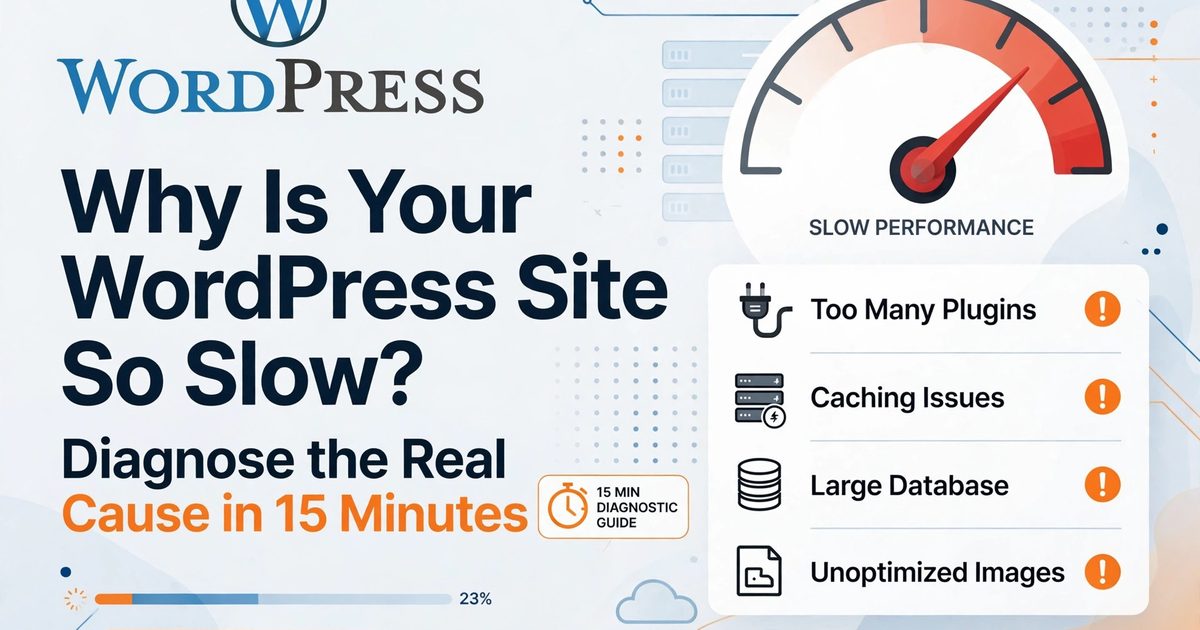
Here's what usually happens: someone's WordPress site is slow, so they install three caching plugins, compress a few images, and hope. The site stays slow. Then they hire me, and the actual problem turns out to be a $3/month hosting plan with a 2.8-second server response time — something no plugin on earth can fix.
Every speed fix only works on the problem it was designed for. So before you change anything, spend 15 minutes figuring out what your problem actually is.
Minutes 0–5: Get a baseline (don't skip this)
Run Google PageSpeed Insights on your homepage and one inner page. Screenshot the scores and the three Core Web Vitals numbers — LCP, INP, CLS. This is your "before" picture.
I insist on this because without a baseline, you're guessing. I've had clients swear a change "did nothing" when their LCP actually dropped from 4.1s to 2.3s — they just never measured the before. Numbers or it didn't happen.
Minutes 5–10: Check TTFB — the one number that matters most
TTFB (Time to First Byte) tells you whether the server is your problem. Find it in PageSpeed Insights under diagnostics, or run GTmetrix. Here's how to read it:
- Under 400ms: your server is fine, the problem is frontend (images, scripts, plugins).
- 400–800ms: borderline. Fix the frontend first, then re-evaluate.
- Above 800ms, consistently: it's the hosting or the PHP/database layer. Stop installing caching plugins — they cannot fix a slow server. (Caching helps a slow server serve faster, but it doesn't fix the underlying problem, and your wp-admin will still crawl.)
This single check eliminates half the wrong fixes people try.
Minutes 10–15: Match your symptom
| What you see | What's probably wrong | Fix this first |
|---|---|---|
| TTFB above 800ms | Cheap/overloaded hosting | Better host or PHP workers — then cache |
| Every page slow, every time | No page caching at all | One caching plugin, actually configured |
| Hero image pops in late (bad LCP) | Unoptimized images | WebP/AVIF, preload the hero, set real dimensions |
| Page stutters when tapped (bad INP) | Third-party scripts | Defer/delay JS, audit chat widgets and tracking pixels |
| Layout jumps while loading (bad CLS) | Missing image dimensions | width/height on images, reserve space for ads/embeds |
| wp-admin crawls, frontend is fine | Database bloat / old PHP | PHP 8.x, Redis object cache, clean autoload data |
| Fast for you, slow for visitors far away | No CDN | Cloudflare's free tier is enough to start |
| Elementor/Divi pages drag | Builder bloat | The builder's own optimized asset loading, delay its JS |
| WooCommerce cart/checkout slow | Dynamic pages can't be cached | Redis, cut down cart fragments |
Now fix in impact order — and retest after each step
- Caching — one plugin, configured properly. Not three. This is the biggest single win for most sites.
- Images — WebP, resized to display size, lazy-loaded below the fold. Never lazy-load the hero image (that hurts LCP — I see this constantly).
- PHP version — 8.2+ from your hosting panel. Thirty seconds of work, free speed.
- Plugin audit — deactivate everything non-essential, measure, delete what you don't need. Query Monitor (free) shows you which plugins are database hogs.
- Scripts — defer non-critical JS, delay chat widgets and pixels until the visitor interacts.
- Hosting — if TTFB is still bad after all of the above, it's the server. Move. There's no plugin for this.
Retest after each change. If a change doesn't move your numbers, revert it. Speed work is measurement, not superstition — I keep saying this because the WordPress world runs on superstition.
When it's time to hire someone
Some slow sites need code, not settings: a theme or builder that needs surgical optimization, WooCommerce checkout slowness (dynamic pages are expert territory), or you've done everything above and the scores won't budge. That's usually a code problem wearing a settings-problem costume.
Free download: the 15-minute checklist
Want this diagnosis as a printable one-page checklist? Grab it here:
Download the WordPress Speed Checklist (PDF)
Stick it on your wall. Work through it top to bottom. And if you get stuck halfway — that's what I'm here for.
Get a free automated diagnosis first
Run my free tool — it does a version of this triage automatically: Free WordPress Speed Audit
Or skip the DIY entirely:
- Share your project brief — fixed quote within 4 hours: fysalyaqoob.com/contact#contact-form
- WhatsApp me directly: Chat on WhatsApp
- Speed service details: WordPress Speed Optimization

Faisal Yaqoob
Expert WordPress & Shopify Developer
Senior full-stack developer with 10+ years experience specializing in WordPress, Shopify, and headless CMS solutions. Delivering custom themes, plugins, e-commerce stores, and scalable web applications.