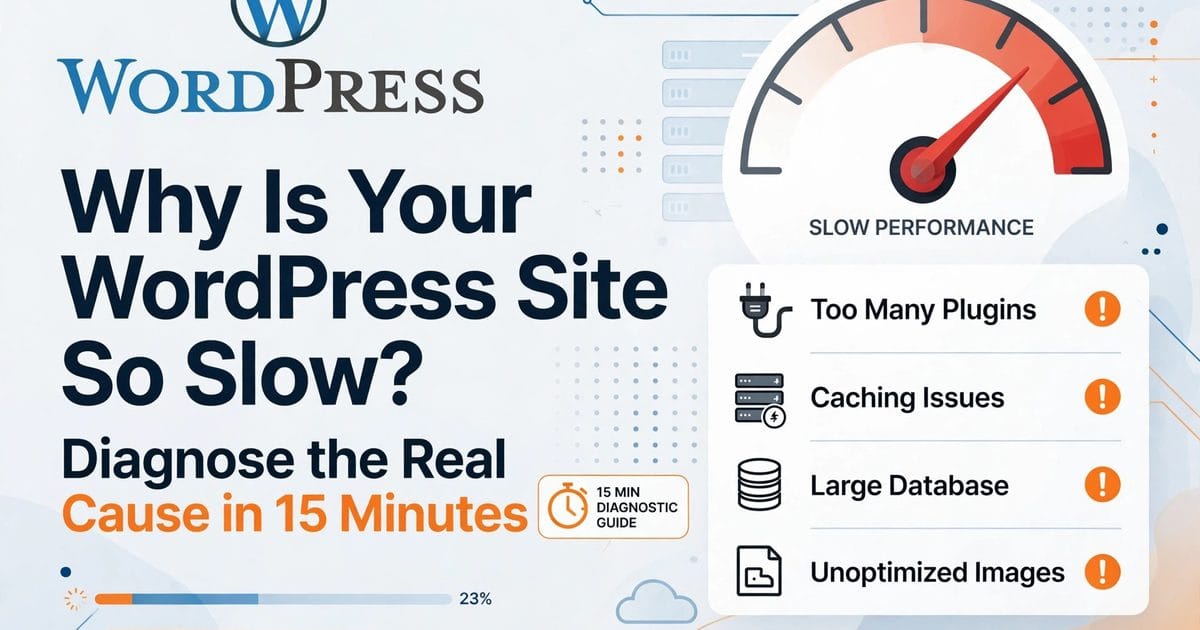
Most of my speed-optimization clients arrive after the same journey: installed a caching plugin, compressed images, maybe paid for a "speed booster" plugin that did nothing measurable. Then they find me. The DIY phase isn't wasted — it tells us both exactly where the real problem is.
Here's the honest line between what you can do yourself and what needs a professional, what a real service includes, and what it costs.
The DIY ceiling
You can get 80% of the way with settings: caching configured properly, images in WebP, PHP 8.2+, plugin audit, deferring scripts. My 15-minute diagnosis guide walks through all of it, and the free checklist PDF covers it on one page.
The remaining 20% is code. And it's usually the 20% that moves the scores.
5 signs you need a professional
- You've done everything above and LCP is still over 2.5s. The bottleneck is in the theme or builder output — it needs surgical code work, not more settings.
- TTFB is fine but the page still renders slowly. That's render-blocking code, oversized DOM (page builders love 3,000-element pages), or JavaScript fighting itself. Settings can't fix architecture.
- WooCommerce cart/checkout is slow. Dynamic pages can't be cached. This needs Redis, query profiling, and someone who's done it before.
- A plugin you can't remove is the problem. Sometimes the slow plugin is business-critical. Then it needs optimization or replacement with custom code — not deletion.
- Core Web Vitals are a ranking factor for you. If SEO traffic pays your bills, "good enough" isn't. The difference between 2.6s and 1.8s LCP is measurable money.
What a real speed service includes
Ask for this list before you pay anyone:
- Measured before/after. PageSpeed numbers, not vibes. If they won't commit to measuring, they're selling hope.
- TTFB diagnosis first. Anyone who starts installing plugins before checking the server is guessing.
- Code-level fixes: critical CSS, font loading strategy, script deferring done properly, image dimensions and fetchpriority, DOM reduction.
- Database cleanup: autoload bloat, transients, revisions — the stuff that slows wp-admin and AJAX.
- No plugin-stacking. If their "service" is installing 5 plugins, you could've done that. You're paying for judgment.
- A report you can understand. What was slow, what changed, what to not touch.
What it costs in 2026
| Scope | Typical range |
|---|---|
| Basic optimization (settings-level) | $150–$400 |
| Professional service (code-level) | $300–$1,200 |
| WooCommerce speed work | $500–$2,000 |
| Ongoing speed maintenance | $50–$150/mo |
Anyone promising "90+ on PageSpeed" as a guarantee is selling something — scores depend on your theme, plugins, and hosting. What a pro can promise is measured improvement and the knowledge of what to fix next.
Red flags
- Guaranteed scores (impossible to guarantee honestly)
- "Install my 12-plugin stack" as the whole service
- No before/after measurement
- They want admin access but can't explain what they'll change
- One-time fix with no explanation of what to maintain
My speed service
I do code-level WordPress speed optimization: measured before/after on PageSpeed Insights, TTFB diagnosis first, no plugin-stacking. If your server is the problem, I'll tell you before you pay me — I'd rather lose the job than take money for the wrong fix.
- Free automated audit first: fysalyaqoob.com/tools/speed-audit
- Share your project brief (fixed quote in 4 hours): fysalyaqoob.com/contact#contact-form
- WhatsApp me (fastest): Chat on WhatsApp

Faisal Yaqoob
Expert WordPress & Shopify Developer
Senior full-stack developer with 10+ years experience specializing in WordPress, Shopify, and headless CMS solutions. Delivering custom themes, plugins, e-commerce stores, and scalable web applications.