The worst migration I ever cleaned up: a business site moved hosts on a Monday morning, and by noon their contact form was sending leads into the void, their SSL was throwing warnings, and Google was indexing the staging subdomain. Three separate mistakes, all avoidable, all made in a hurry.
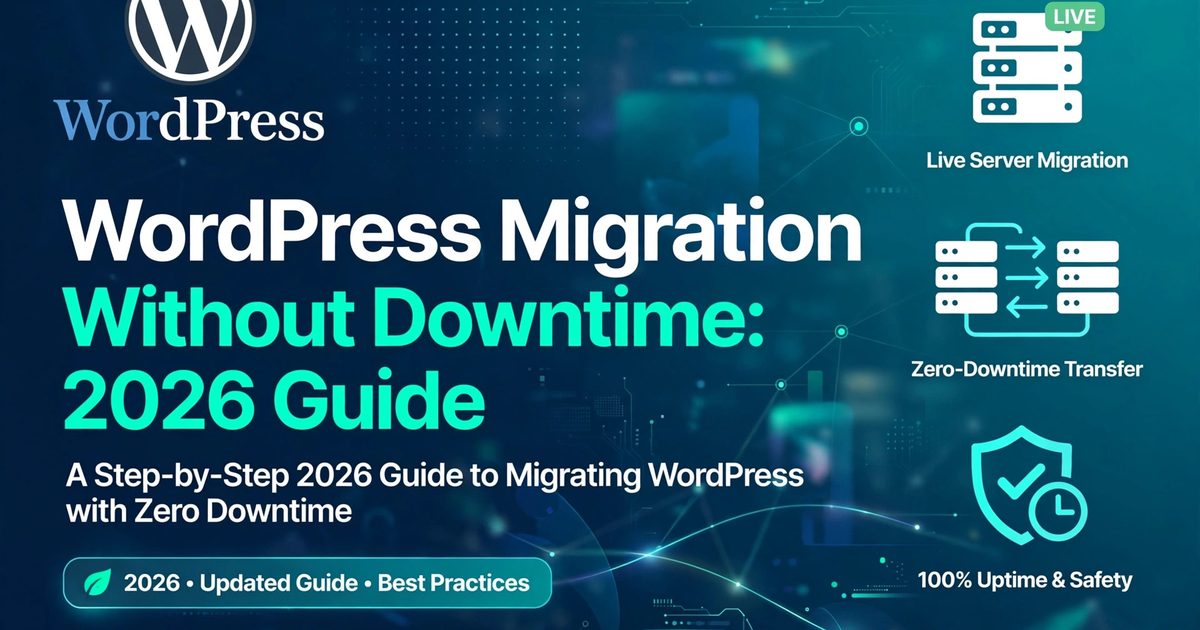
Migrations are unforgiving because the failure modes are public — your visitors see them in real time. Here's the exact process I use to move WordPress sites with zero downtime, and the six mistakes I see most often.
The sequence that actually works
Order is everything. Do it in this order and your visitors never notice:
1. Lower your DNS TTL to 300 seconds — 24 to 48 hours before the move. This is the step everyone skips and everyone regrets skipping. TTL controls how long DNS changes take to propagate. Default is often 24 hours, which means your "quick switch" strands half your visitors on the old server for a day. Lower it early; it's free.
2. Set up the new hosting properly. PHP 8.2 or higher, SSL certificate installed before you need it, fresh empty database. Don't migrate into a half-configured server.
3. Copy — don't move — files and database. Duplicator, All-in-One WP Migration, or WP-CLI if you're comfortable (wp db export). The old site stays live and untouched until the new one is proven. This is your rollback plan, and it's free.
4. Search-replace the database the right way. This is where most DIY migrations die. WordPress stores serialized data — theme settings, widget configs, page builder content — and a naive find/replace corrupts it silently. The site looks fine until you open a page and find broken layouts. Use wp search-replace (it handles serialization) or a migration plugin that does. Never use a text editor on a SQL dump for this.
5. Test on the new host BEFORE touching DNS. Edit your computer's hosts file to point the domain at the new server's IP, then click through everything: homepage, checkout, forms, login, media library, search. This is the step that catches 90% of problems while they're still private.
6. Switch DNS. Point your A records (and www) at the new host. Because you lowered the TTL two days ago, traffic moves within minutes.
7. Verify SSL immediately. Force HTTPS, check for mixed-content warnings in the console, confirm the certificate covers both www and non-www. Certificate issues destroy trust instantly — visitors don't think "SSL misconfiguration," they think "this site is broken."
8. Monitor for 48 hours. Uptime monitor, error logs, test form submissions, check order emails arrive. Then — and only then — cancel the old hosting. Keep it a week if you can; rollbacks have saved more migrations than skill has.
The 6 mistakes I see on repeat
- Skipping the TTL change. Then DNS takes a day to propagate and you're fielding "the site looks weird" messages for 24 hours.
- Naive database find/replace. Breaks serialized data. Symptoms show up days later in the weirdest places.
- Forgetting email. MX records need a deliberate decision — move them or keep them. "The site works but we stopped getting orders" is always DNS.
- Testing after the DNS switch. Backwards. By then your mistakes are public.
- SSL as an afterthought. Browsers don't forgive certificate errors, and neither do customers.
- Deleting the old host immediately. Keep it as a rollback target for at least a week. Future you says thanks.
Host move vs domain change
| Same domain, new host | New domain | |
|---|---|---|
| Database search-replace | Optional | Required — and serialization-safe |
| SEO risk | Low | Medium — you need a full 301 redirect map |
| Email risk | Low if DNS is handled | Higher — verify MX, SPF, DKIM |
| What I'd charge | $150–$400 | $250–$600 |
Domain changes are a different animal: every old URL needs a 301 to its new counterpart, or your rankings bleed for weeks. Don't treat it like a host move.
Just hire it done when...
The site earns money. Email is business-critical. It's multisite or multilingual. Or you've been burned before and don't want a repeat. A professional migration costs less than a single day of downtime — I say that as someone who gets hired to fix the aftermath.
Zero-downtime migration, done for you
I move WordPress sites between hosts and domains: DNS sequencing, serialization-safe database moves, SSL, email continuity, and 48 hours of post-move monitoring. You don't lift a finger.
- Share your project brief — fixed quote within 4 hours: fysalyaqoob.com/contact#contact-form
- WhatsApp me directly: Chat on WhatsApp
- Everything I do: WordPress development services

Faisal Yaqoob
Expert WordPress & Shopify Developer
Senior full-stack developer with 10+ years experience specializing in WordPress, Shopify, and headless CMS solutions. Delivering custom themes, plugins, e-commerce stores, and scalable web applications.